About Course
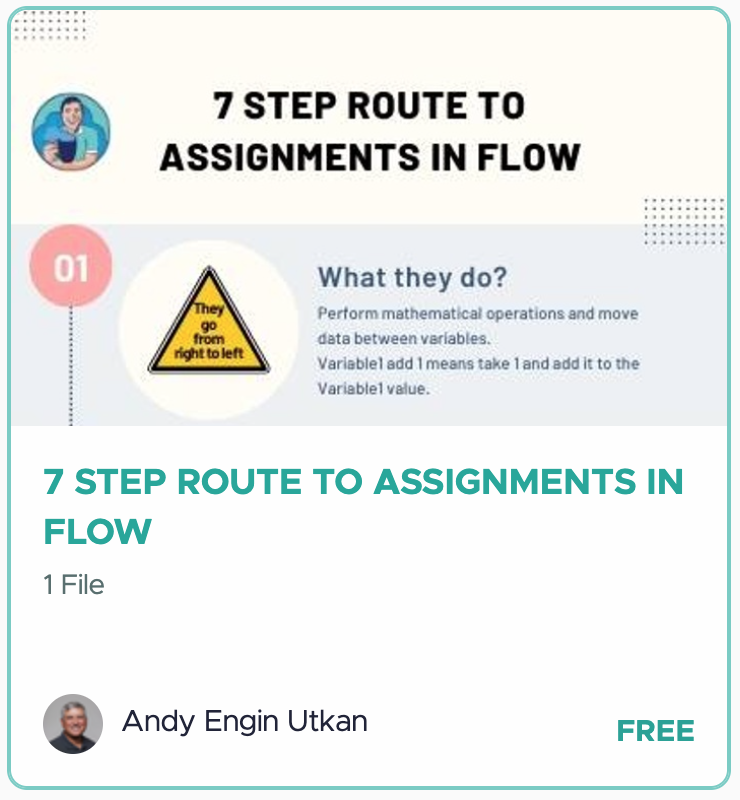
The 7 Step Route to Assignments in Flow is a free infographic that gives Salesforce admins a complete, no-fluff breakdown of how Assignment elements work inside Flow Builder. Assignments are one of the most used and most misunderstood elements in Flow, and this guide sets the record straight.
Here’s what the infographic covers:
Step 1: What They Do. Assignment elements perform mathematical operations and move data between variables. They work right to left, meaning the value on the right is assigned to the variable on the left.
Step 2: What They Don’t Do. Assignments do not evaluate criteria or produce true/false outcomes. They are not decision-makers. Variable1 equals Variable2 is a data transfer, not a question.
Step 3: The Secret Sauce. Unlock the full power of assignments by using global variables and constants like Flow.CurrentDate, $Flow.CurrentDateTime, and {! GlobalConstant.EmptyString}. You can also leave the right box empty to clear a value.
Step 4: Popular Operators. The most commonly used operators include Equals, Add, Subtract, and Add Item for multiselect picklists.
Step 5: Popular Collection Operators. When working with collections, reach for Equals Count, Add, Remove Uncommon, Remove after First, and Add at Start for text collections.
Step 6: Pro Tips. Need sequential assignments? Use two consecutive assignment elements. For complex logic, build formula resources instead of cramming everything into one assignment. And remember: functions cannot be used directly inside assignments. Wrap them in a formula resource first.
Step 7: Example Use Cases. Build counters by adding 1 in each loop iteration, blank out text variables, assign error messages for display components, or add 1/24 to a DateTime variable to increment by one hour.
Download this infographic and keep it handy every time you open Flow Builder.
Course Content
7 Step Route to Assignments in Flow Download
-
Download
Student Ratings & Reviews